Know More, Control More
FleetHive helps you keep track of your vehicles, understand what they are doing and make better decisions without the guesswork.
Six simple ways to know more and control more
Every FleetHive solution answers the same question in a different way, what is happening with my vehicle right now, and what should I do about it.
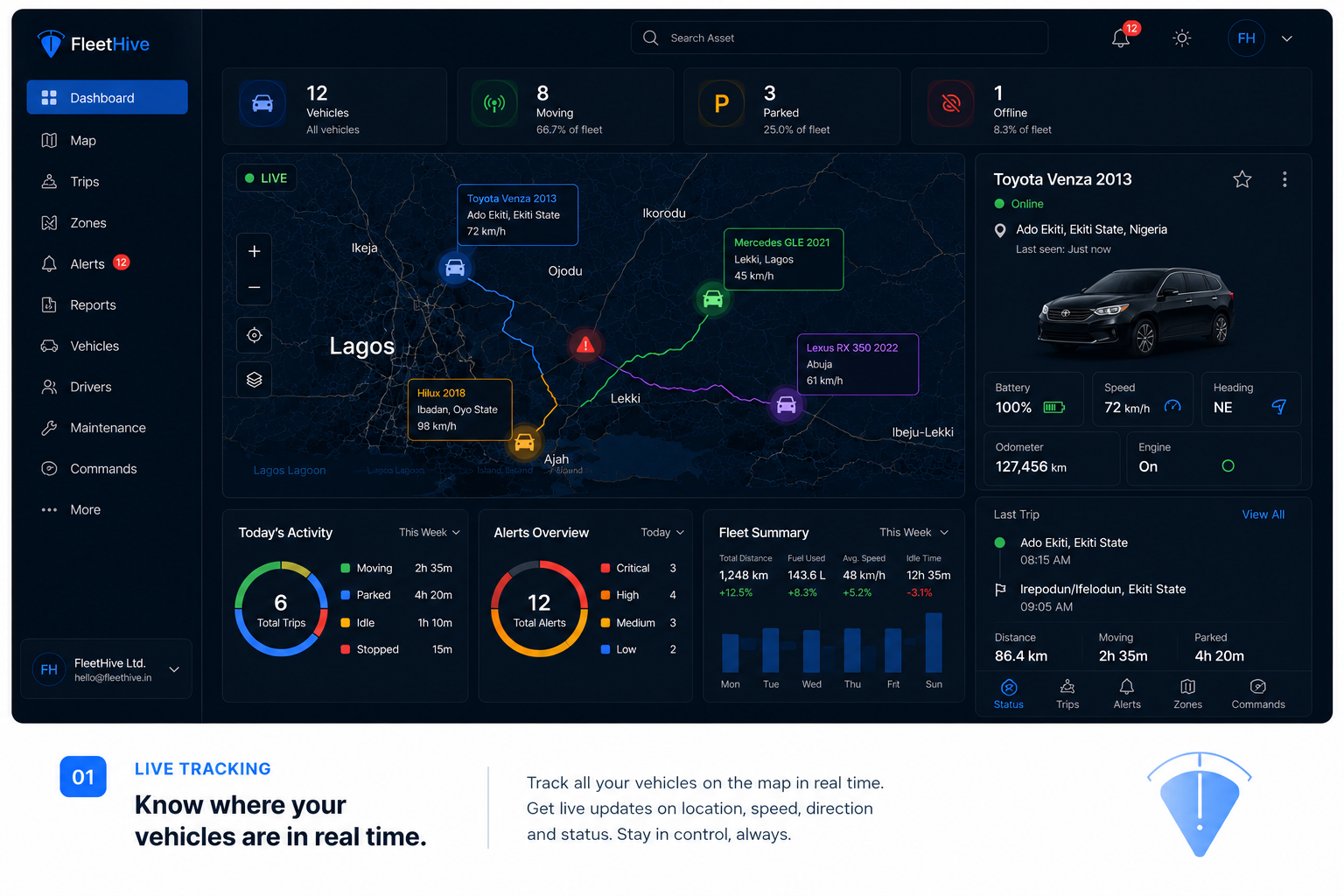
Know where your vehicle is, right now.
FleetHive shows you where your vehicle is while it is moving, on a simple map you can check anytime.
Instead of calling your driver to ask where he is, you open FleetHive and see the vehicle's current location and movement straight away.
You get current location, movement, trip history and visibility across every vehicle you manage, so you always know what is going on.
Stop guessing where your vehicle is. Know.
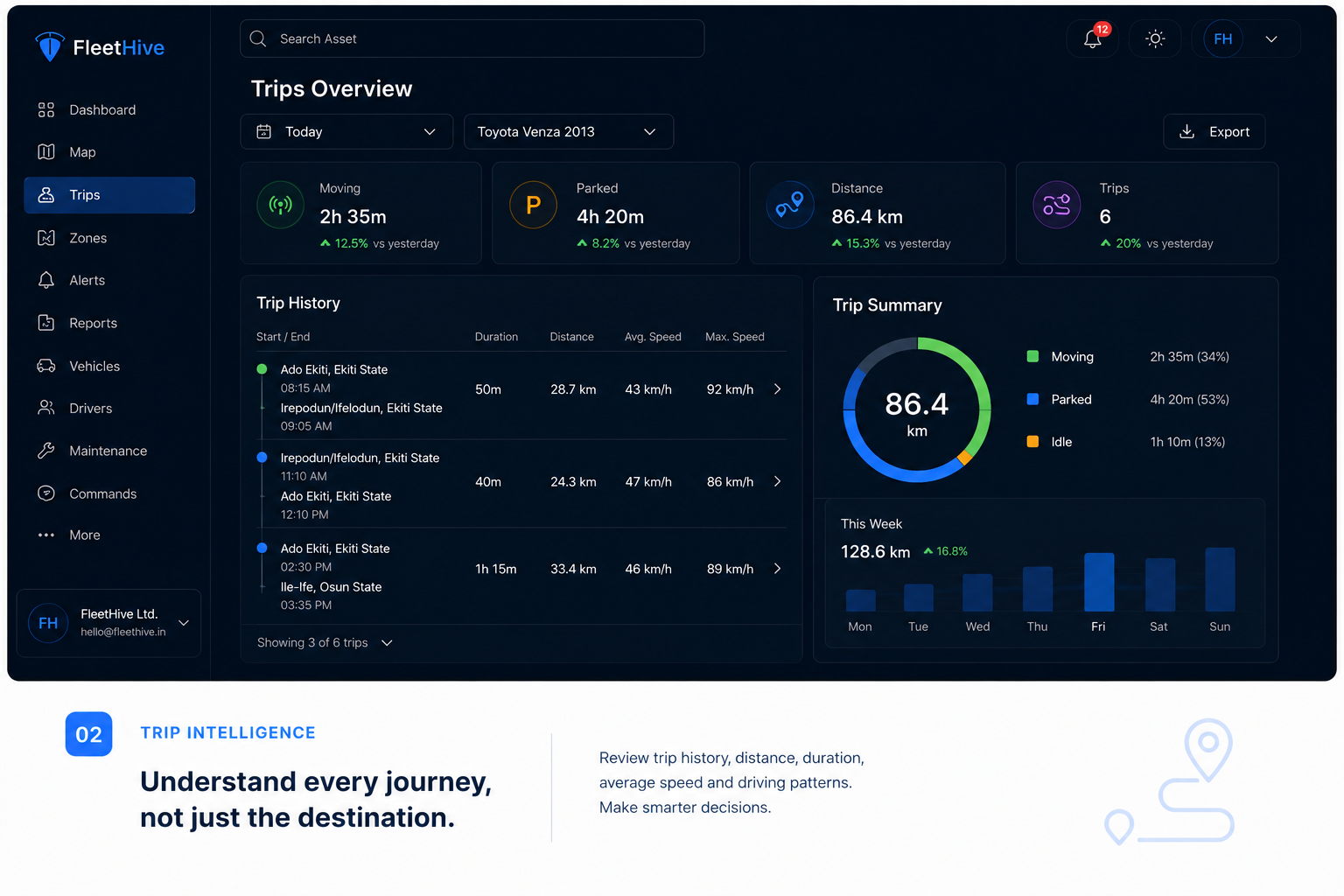
See where your vehicle has been.
FleetHive keeps a record of every trip, so you can understand how a vehicle has actually been used, not just where it is right now.
You can look back at a trip and see where the vehicle went and when it moved, from start to finish.
Trip playback, journey history and activity records give you a clear picture of vehicle usage over time.
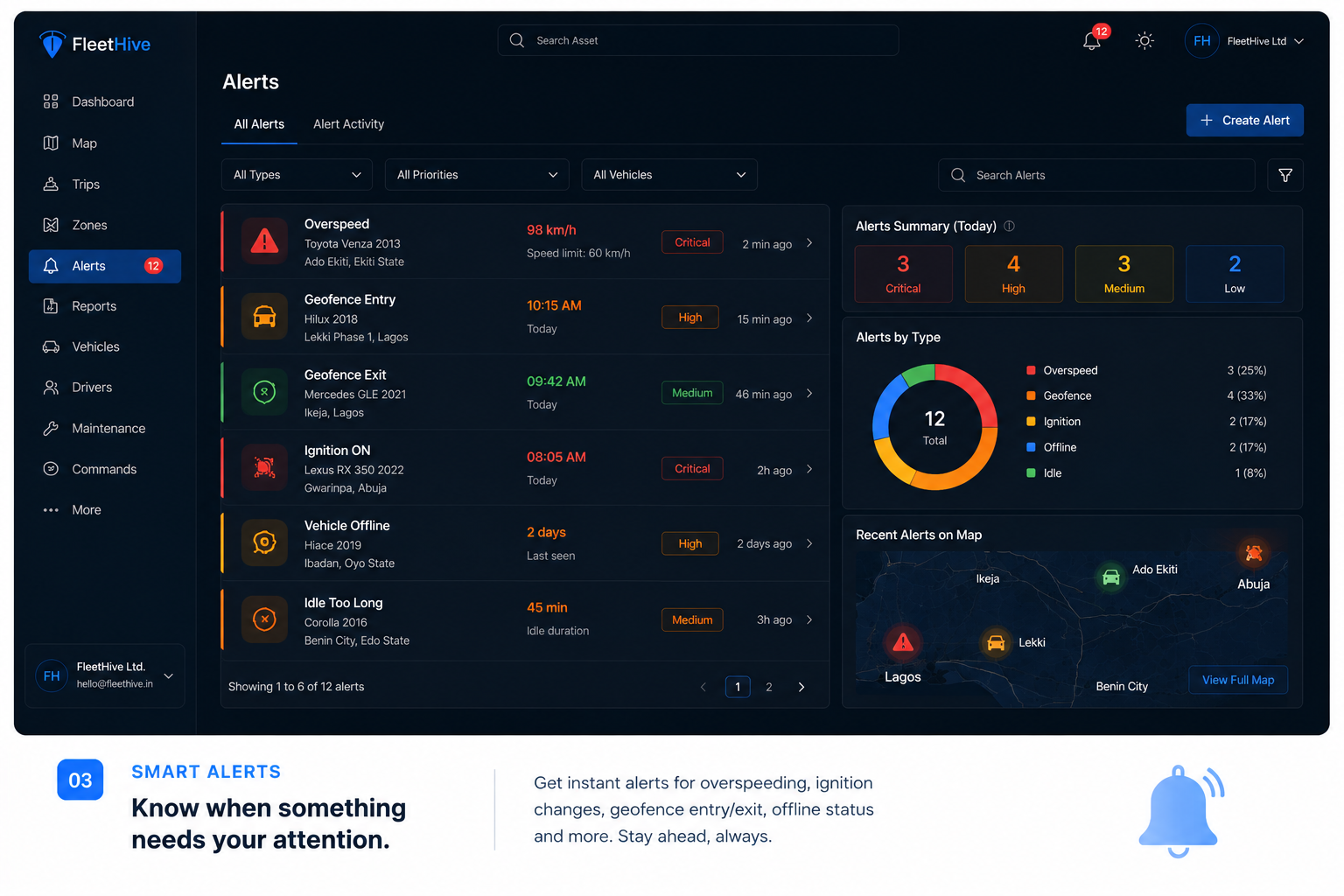
Never miss something important.
FleetHive sends you an alert the moment something worth knowing happens with your vehicle.
If a vehicle moves unexpectedly or starts overspeeding, you get notified straight away instead of finding out later.
Unexpected movement, overspeeding and other important activity are flagged automatically, so you can act quickly.
Know when something needs your attention.
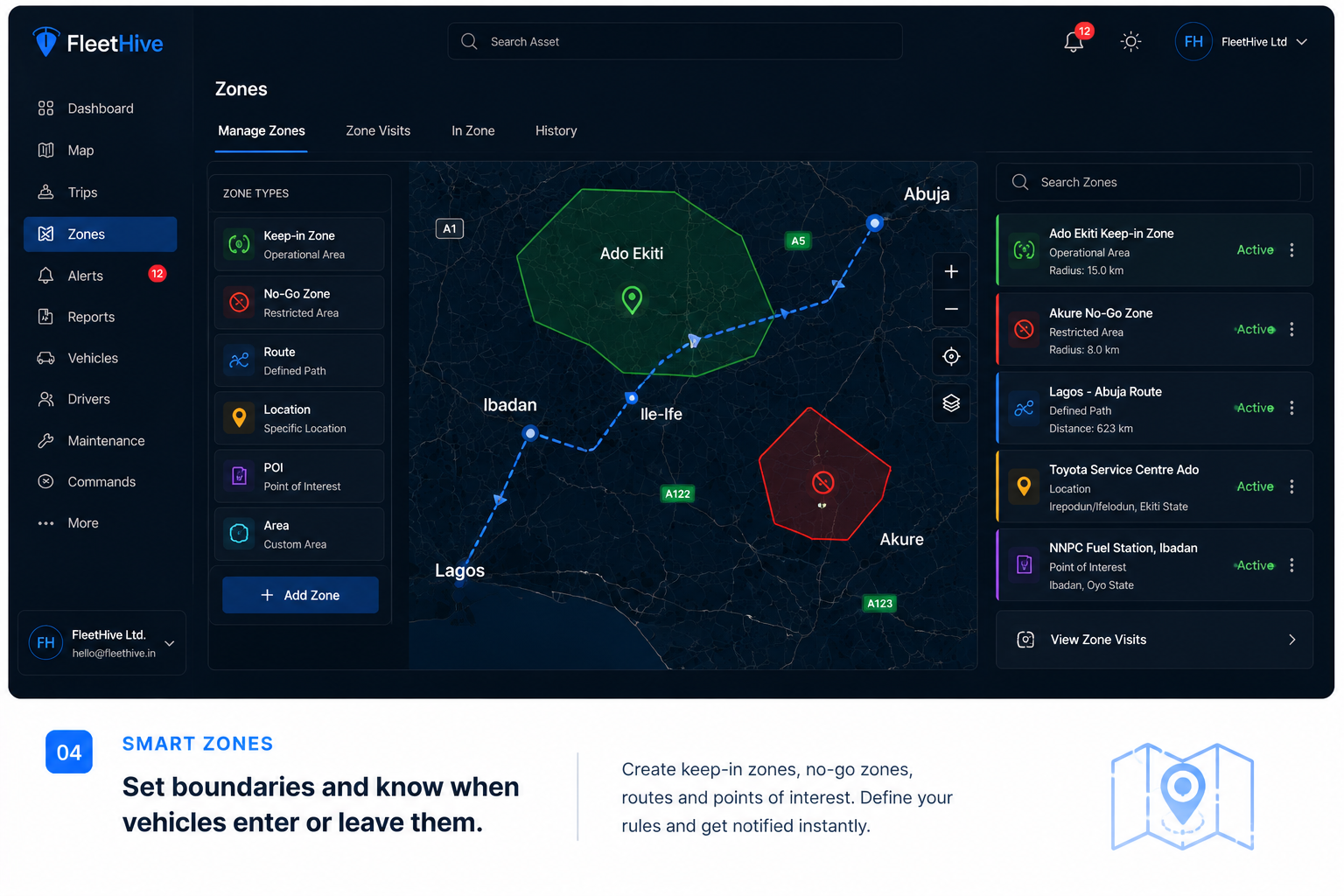
Know when a place that matters is entered or left.
FleetHive lets you mark important areas, such as your office, depot, home or a customer location, and get notified when a vehicle enters or leaves them.
You set up a zone around your depot and get an alert the moment a vehicle leaves it, without watching the map yourself.
Smart Zones give you better visibility over vehicle movement around the places that matter most to you.
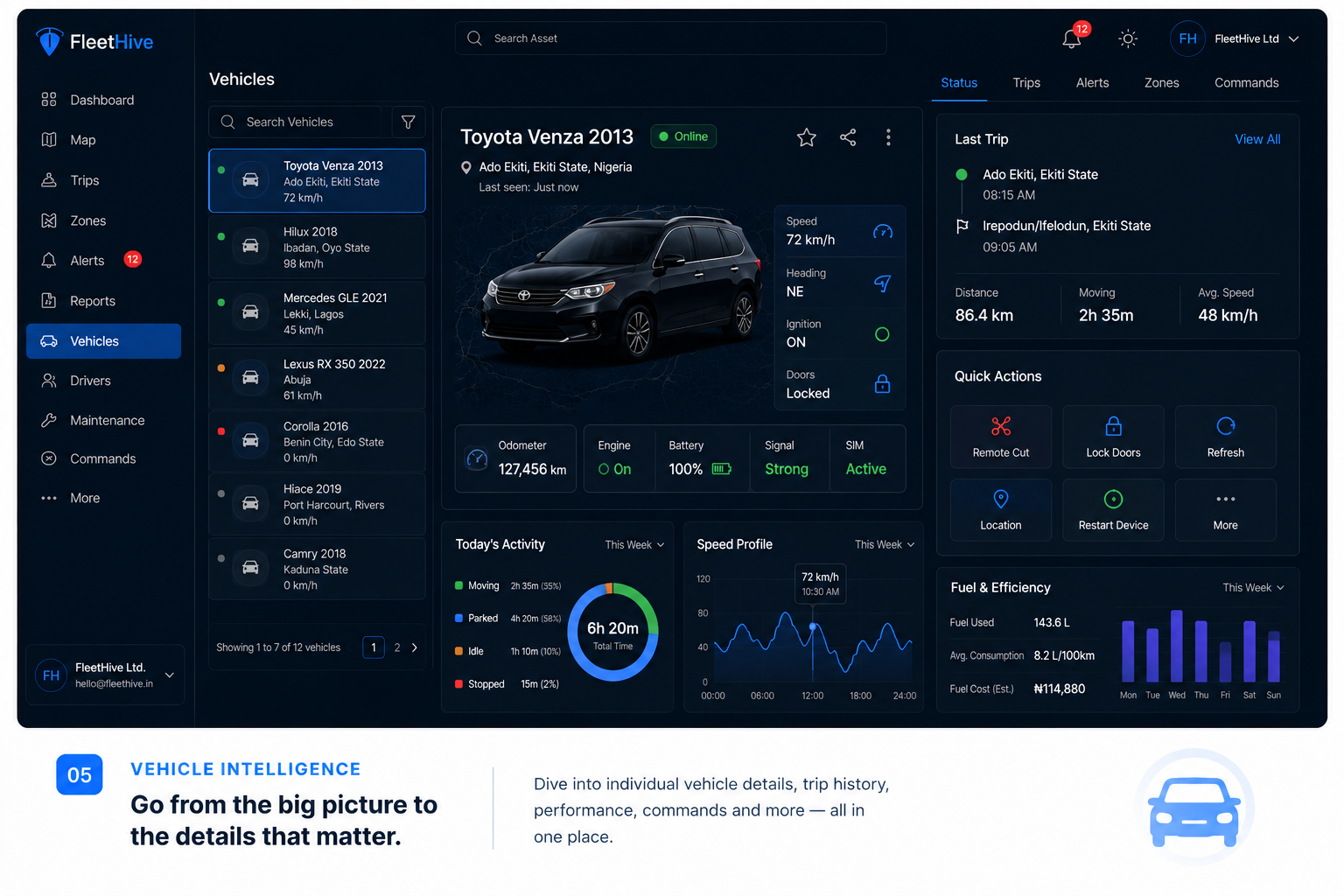
Turn vehicle activity into information you can actually use.
FleetHive does not just show where a vehicle is. It helps you understand vehicle activity and turn that into decisions you can act on.
Instead of scrolling through raw trip data, you get simple summaries and reports that show how your vehicles are actually being used.
Depending on your plan and hardware, this can include usage patterns, driver activity, fleet reports and operational insights, so you can make better decisions with confidence.
Beyond vehicles, assets, parcels and orders, tracked with one small reusable tag.
Keep an eye on what's moving, not just who's driving.
A Fleet Tag is a small, reusable device you attach to whatever needs tracking, whether that is a vehicle, an asset, a parcel or an order.
A business attaches a Fleet Tag to an order in transit and can see its status and location until it is delivered.
Fleet Tags give you an additional, flexible way to track what matters, alongside the Lite, Pro and Prime vehicle tracking plans, not instead of them.
Install, Connect, Monitor, Act
From the moment your device is installed to the moment you act on what FleetHive shows you, here is exactly what happens.
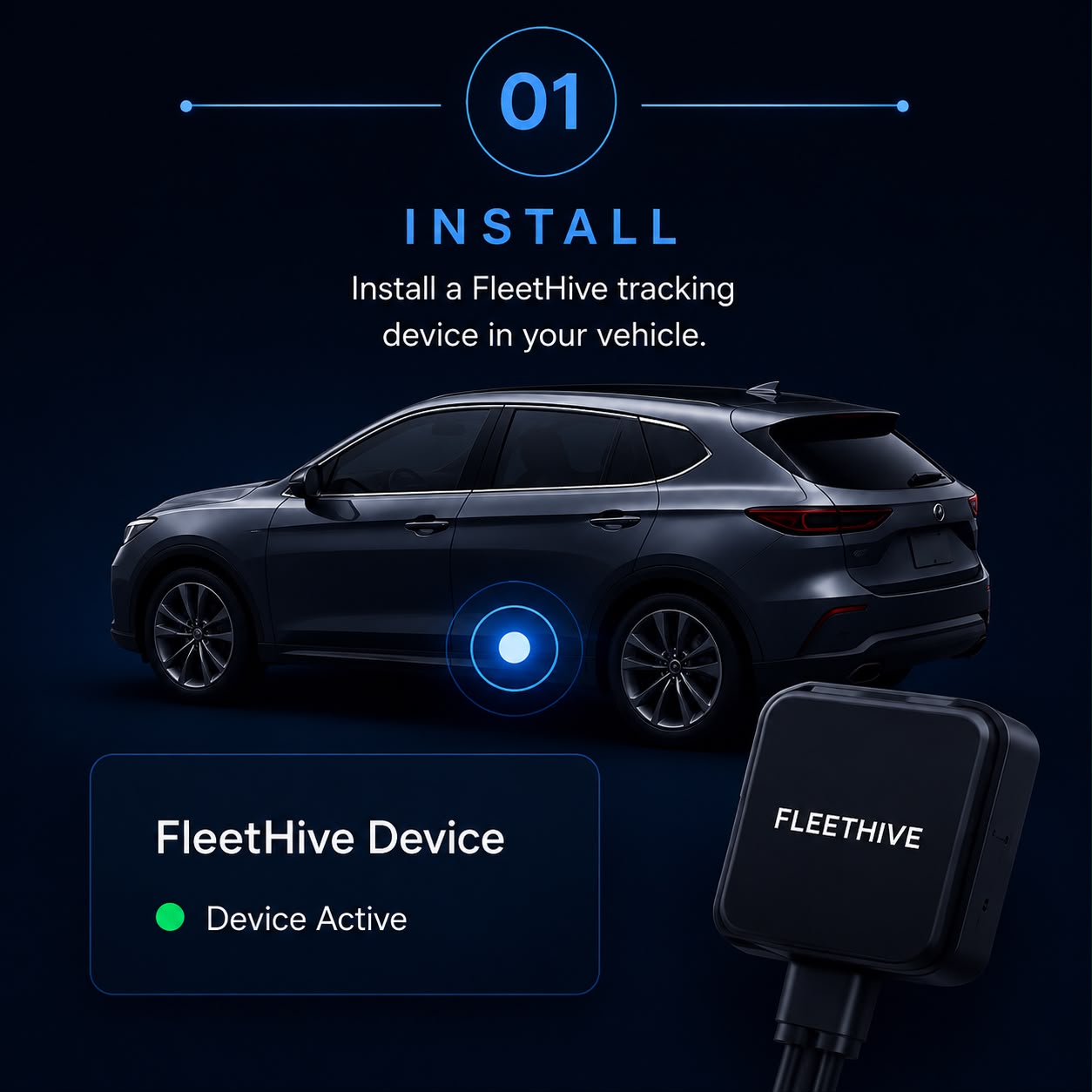
Install
A FleetHive technician installs the tracking device in your vehicle. You do not need any technical knowledge, we handle the setup for you.
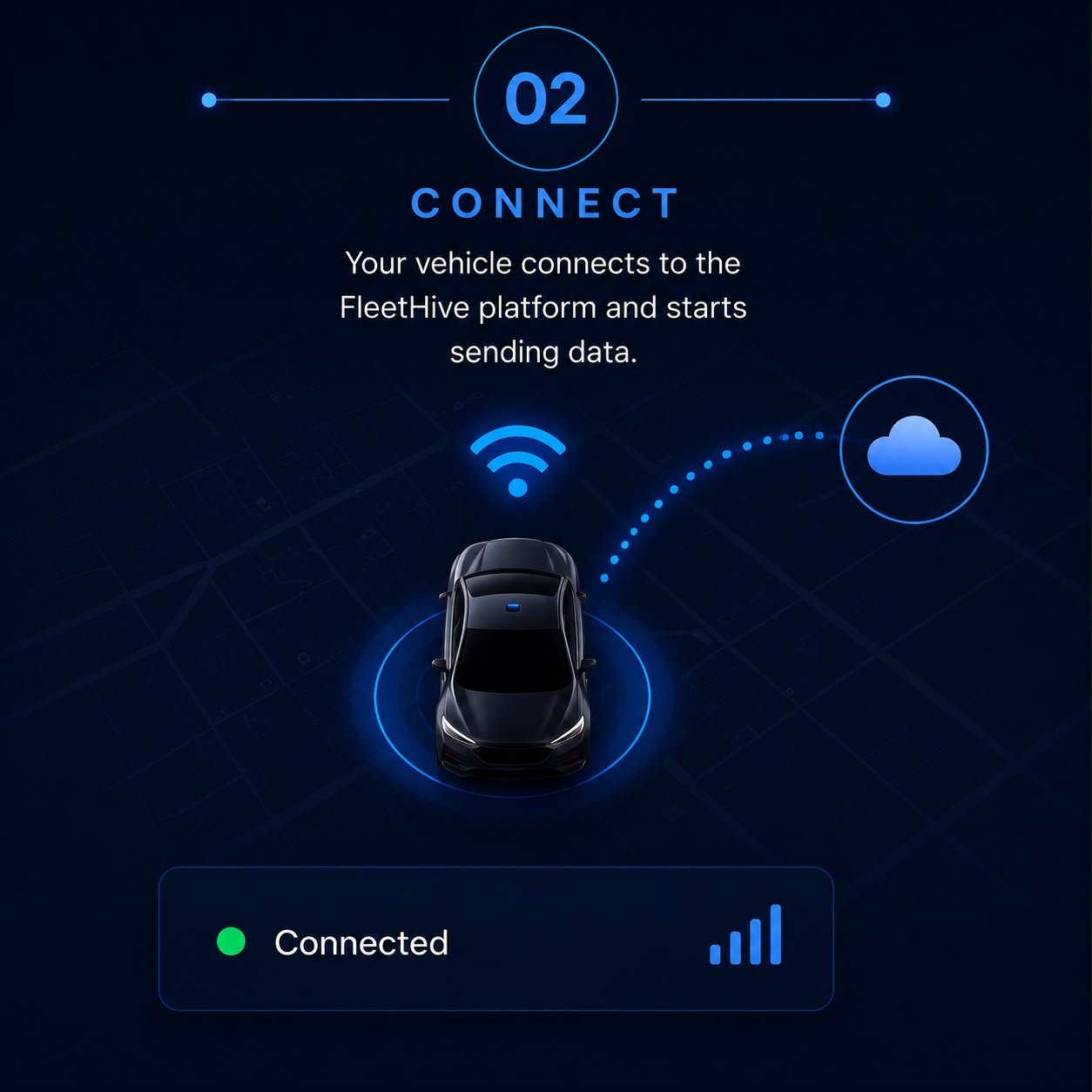
Connect
Once the device is installed, your vehicle is connected to the FleetHive platform and linked to your account, ready to use.
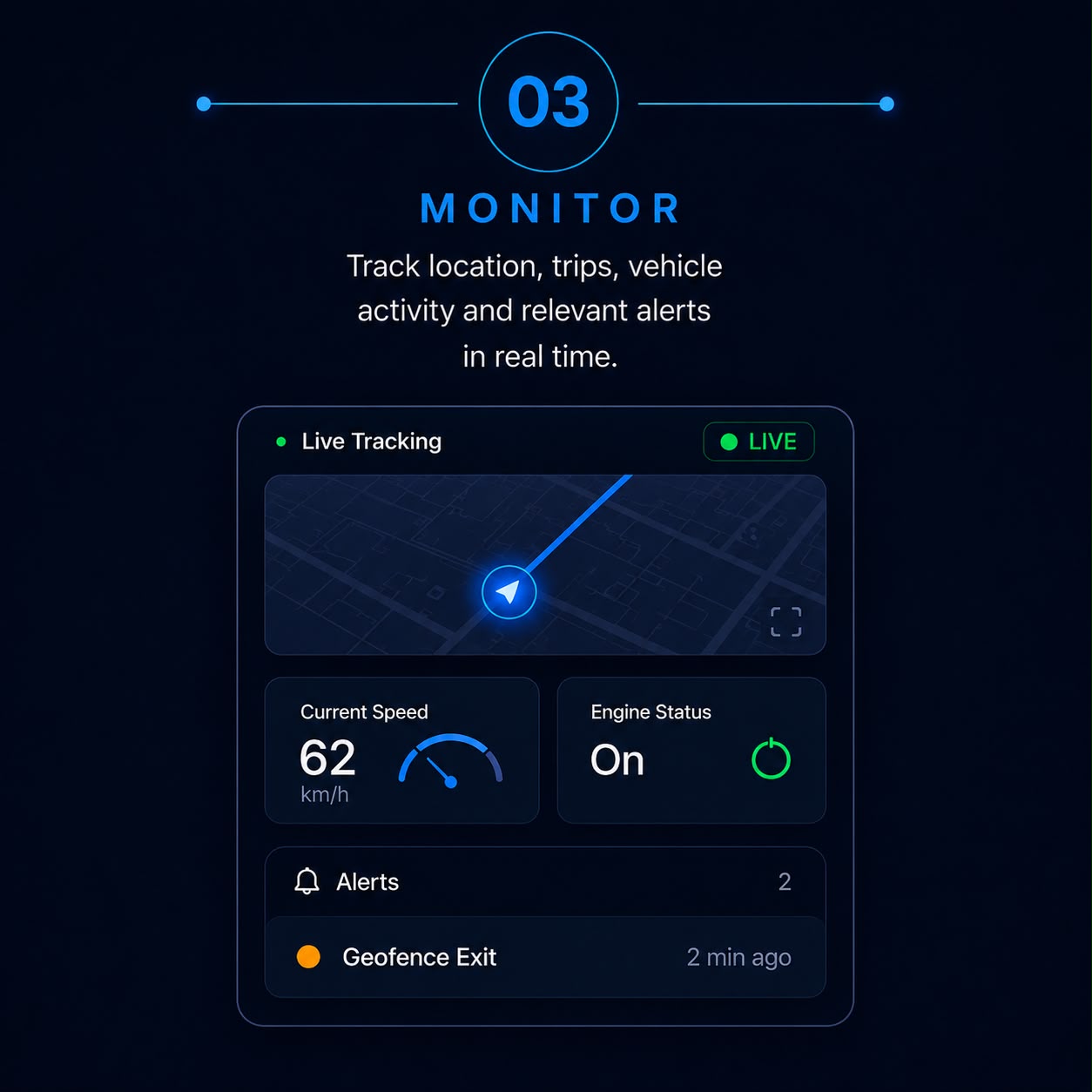
Monitor
Log in anytime to see your vehicle's location, trips, activity and alerts, all in one simple dashboard.
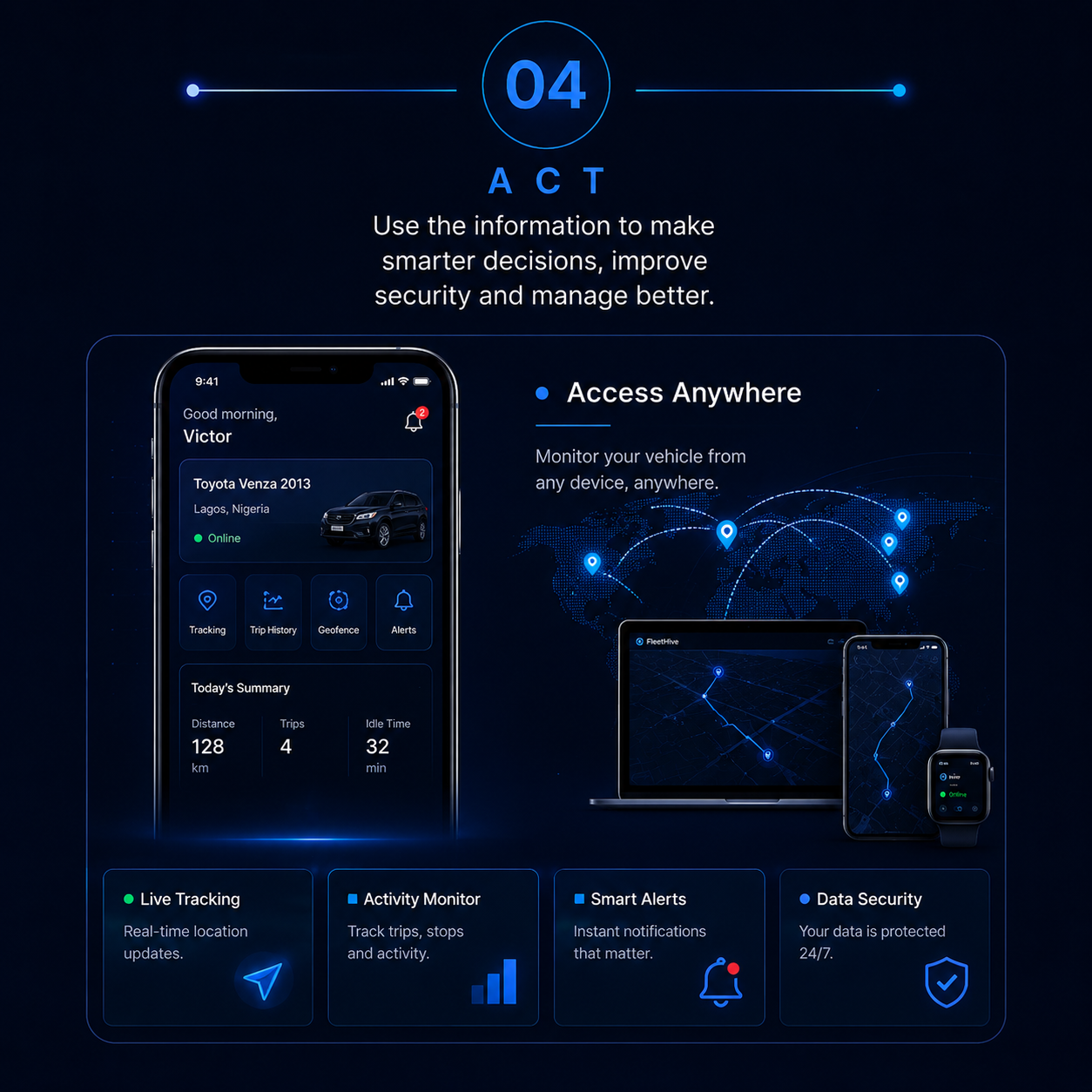
Act
Use what FleetHive shows you to respond to unusual activity, understand trips, protect your vehicle and make informed decisions.
Ready to take control of your vehicle?
See plans built for private car owners and businesses, or build your own tracking business with FleetHive.
Compare Lite, Pro, Prime and the Tag Plan, and pick the one that fits your vehicles and assets.
You can also build your own tracking business using FleetHive.